
Upload and edit your CV
Bring in an existing CV, review the imported content, and continue editing in a structured online builder.
Free online CV maker
Choose an ATS-friendly CV template or upload your existing CV. Edit every section, write content with AI, tailor the CV to a job description, and download a PDF without a watermark.
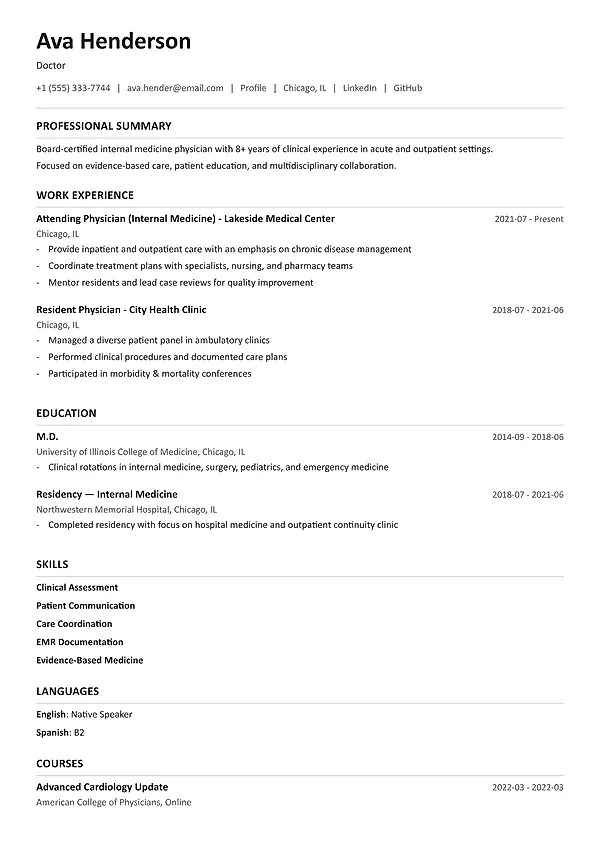
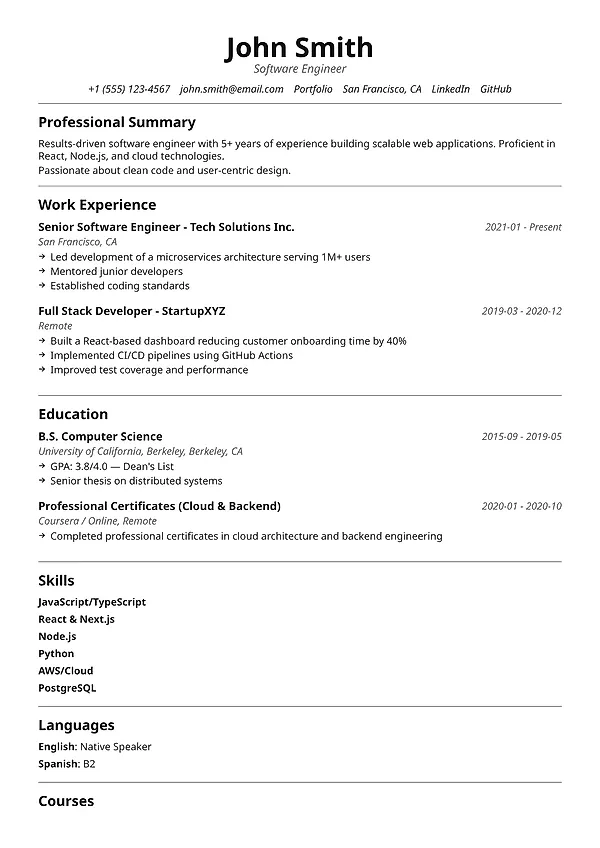
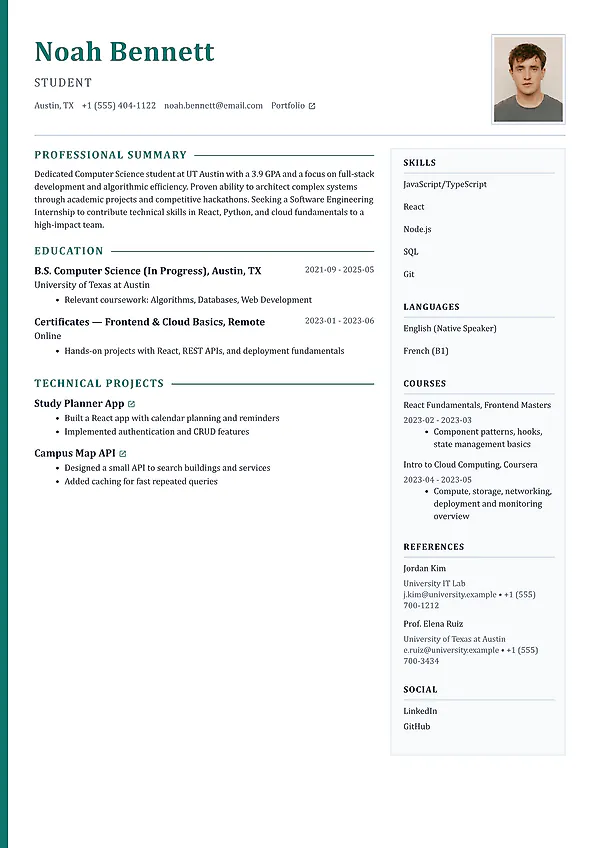
Create or upload a CV. Start with a professional CV template or edit your existing document.
Write and tailor CV content. Use AI writing and compare the CV with a job description.
Download a professional PDF. Export the finished CV without a MySuperResume watermark.
Professional online CV maker
Add your work history, education, skills, projects, and qualifications in guided sections. The CV maker handles columns, spacing, page breaks, and typography while you edit the content.
Use guided CV sections for experience, education, skills, projects, certifications, languages, and achievements.
Choose a layout that fits your market, profession, experience level, and amount of content.
Keep important information in readable text with standard section titles and a clear reading order.
Create tailored CV versions for different roles without changing the underlying facts.
CV creation, editing, and tailoring
Start with a blank CV, use a professional template, or upload your current document and improve the version you already have.
Bring in an existing CV, review the imported content, and continue editing in a structured online builder.
Choose clean, modern, classic, technical, executive, and creative layouts built around readable content.
Add work history, education, skills, projects, certifications, languages, awards, and other relevant qualifications.
Generate or rewrite a professional summary and experience bullet points from the job information you enter.
Compare the CV with a job description to find missing skills, unclear experience, and role-specific improvements.
Download a clean, stable CV without a MySuperResume watermark when the application is ready.
How it works
Start with a template or your existing document, review the details, improve the content, and download the finished CV.
Start with a professional CV template, a blank document, or the CV you already have.
Check names, dates, titles, skills, education, and imported sections before improving the wording.
Make achievements, scope, responsibilities, and role-relevant skills easier to find and understand.
Match the CV to the target job, make credible edits, and export the finished PDF.
More resume and career tools
Compare your resume with a job description, create an editable cover letter, and generate interview questions for the target role.
Frequently asked questions
Learn what the tool creates, what information it checks, how to use it, and which results require your review.
In many countries, CV and resume refer to the same concise job-application document. In academic, research, and some medical settings, a curriculum vitae may be longer and include publications, teaching, grants, and a complete professional record.
Yes. You can bring in the CV you already have, review the imported sections, update the content, change the template, and continue editing online.
MySuperResume lets you start and create a professional CV for free, with no account required to begin and no MySuperResume watermark on the exported document.
For most job applications, include contact details, a professional summary when useful, work experience, education, and relevant skills. Add projects, certifications, languages, awards, or publications when they support the role.
Create tailored versions for different roles so the most relevant experience and skills are visible without changing the underlying facts.
Free to start
Start with a template, a blank page, or your existing CV. Edit every section, tailor the content to the role, and download a professional PDF.