
Resume and CV upload
Start from your current document instead of retyping every role, date, skill, and qualification.
Free online resume and CV editor
Skip the blank page. Import the resume you already have, verify every section, improve the writing, tailor it to a job description, and download a polished PDF.
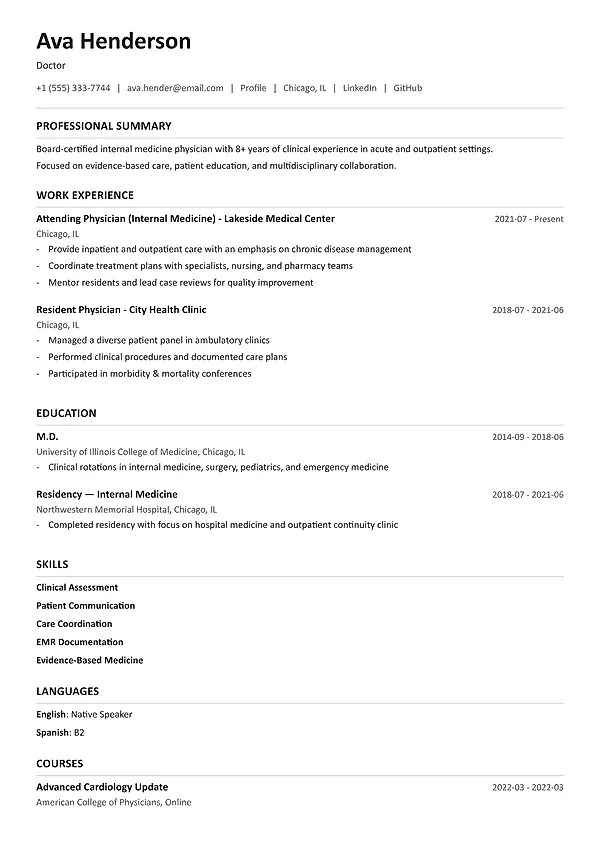
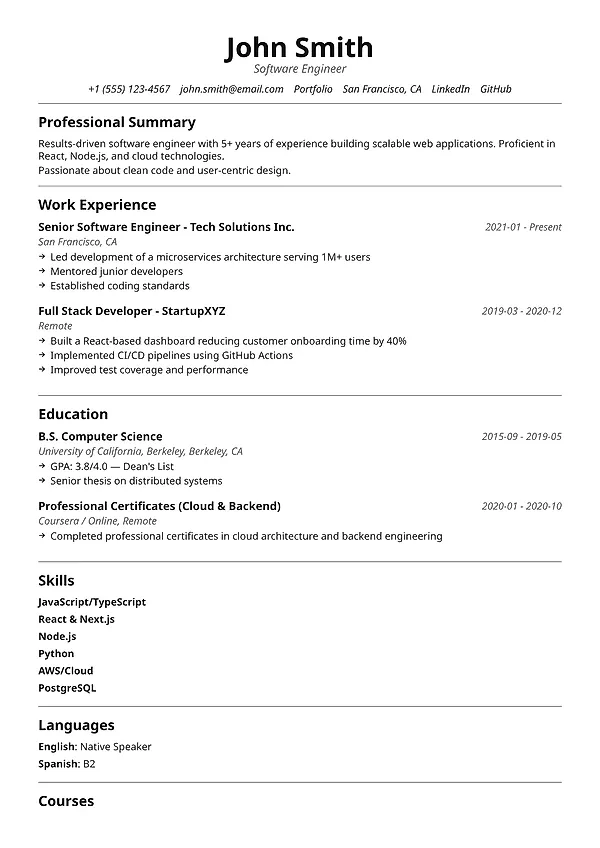
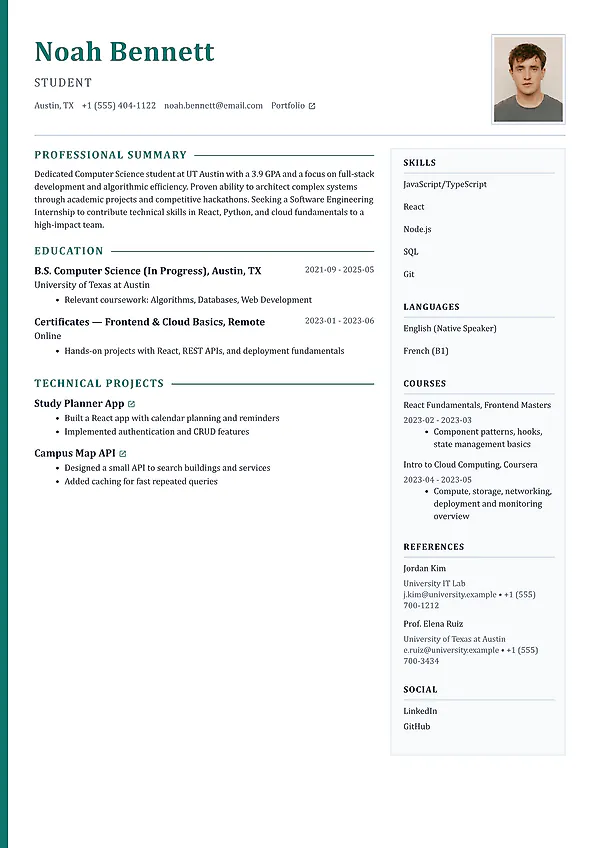
Start with the resume you already have. Import your existing CV or resume instead of rebuilding your career history from a blank page.
Turn it into an editable working copy. Review the imported sections, update recent experience, strengthen weak writing, and change the template.
Create a version for the job. Compare the updated resume with a job description and change only the claims your experience can support.
From static file to working resume
A good update is more than a new template. First confirm that the imported facts are correct, then build a strong base resume you can tailor for each application without changing what you actually did.
Check names, employers, job titles, dates, links, section order, and line breaks after the document is imported.
Add recent work and remove stale details before spending time polishing individual sentences.
Rewrite vague responsibilities as clear evidence of your actions, ownership, scale, and results.
Save the complete base resume, then make a separate job-specific copy without inventing skills or experience.
Online resume editor features
Use one editable workspace to review the imported resume, curate every section, check its quality, compare it with a job description, and export the version you want to submit.
Start from your current document instead of retyping every role, date, skill, and qualification.
Review contact details, summary, experience, education, skills, projects, and supporting sections in the builder.
Rewrite outdated summaries and vague responsibilities into clearer, more specific achievements.
Move the imported content into a cleaner professional layout without manually rebuilding the formatting.
Find readability, structure, content, and achievement problems before creating the final version.
Compare the updated resume with a target job description and prioritize the strongest honest changes.
How it works
Treat the upload as a starting point: verify the import, strengthen the base document, then tailor a copy for the role you want.
Start with the file that contains the most accurate work history, education, skills, projects, and achievements.
Check contact details, titles, dates, employers, links, bullets, and section order before making writing or design changes.
Add recent experience, remove irrelevant detail, improve weak bullets, and choose a readable professional template.
Match a copy with the target job description, keep only truthful changes, review the whole document, and export the PDF.
More resume and career tools
Compare your resume with a job description, create an editable cover letter, and generate interview questions for the target role.
Frequently asked questions
Learn what the tool creates, what information it checks, how to use it, and which results require your review.
Yes. Upload the resume or CV you already have, review the imported sections, and start editing in MySuperResume for free. You can update the content, change the template, and download a clean PDF without a subscription.
No. MySuperResume imports the existing document into structured, editable sections. Review the result carefully because dates, headings, links, columns, and unusual layouts may need correction after import.
Verify your name and contact details first, then job titles, employer names, dates, education, skills, links, and the order of experience bullets. Correct the facts before improving the language or changing the design.
Create a copy of your strong base resume, compare that copy with the full job description, and prioritize the summary, skills, and experience bullets that support the role's main requirements. Use the employer's terminology only where it accurately describes your experience.
Every suggestion needs your review. Reject unsupported claims, invented metrics, and skills you have not used. AI can clarify genuine experience and transferable skills, but the final resume should contain only facts you can explain in an interview.
Keep one complete, current base resume as your source of truth. For important applications, make a separate tailored copy that changes emphasis and wording while preserving the same underlying facts.
No. The uploaded document remains your original file, while the imported content becomes a separate editable resume in MySuperResume. Keep the source file until you have reviewed and downloaded the updated version.
Free to start
Import your current document, verify the facts, improve each section, compare a copy with the job description, and download a polished PDF.