
Upload and edit a resume
Upload your existing resume or CV and edit the imported contact details, summary, experience, education, and skills.
Free online resume builder
Choose an ATS-friendly resume template or upload your current resume. Edit every section, write content with AI, tailor the resume to a job description, and download a PDF without a watermark.
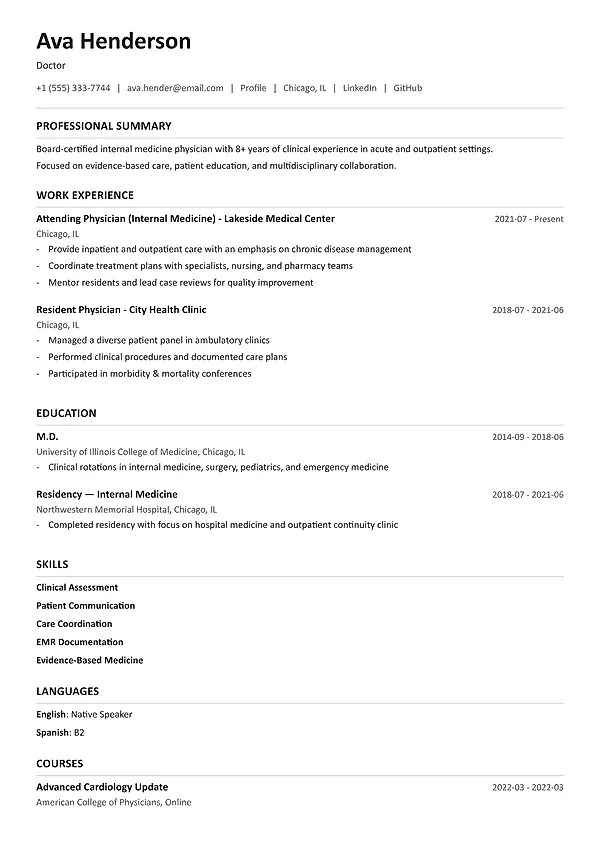
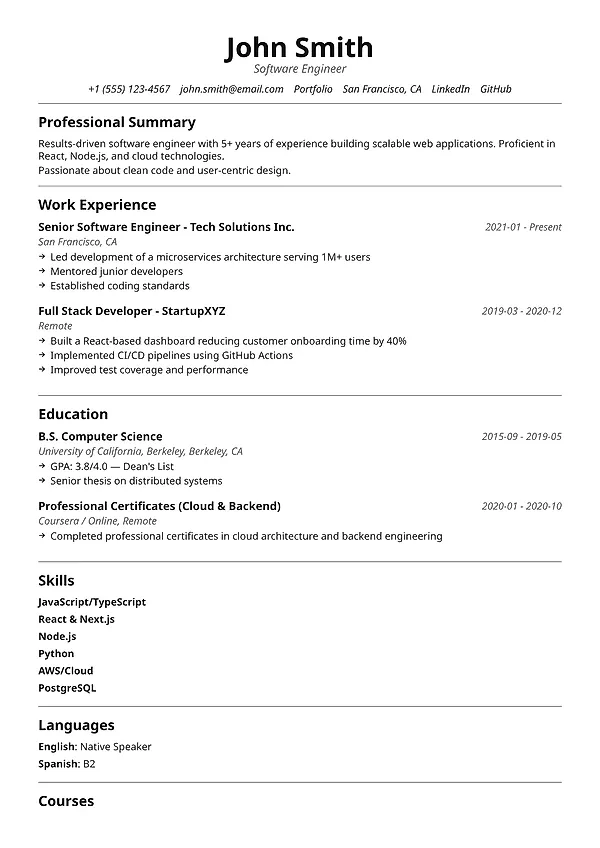
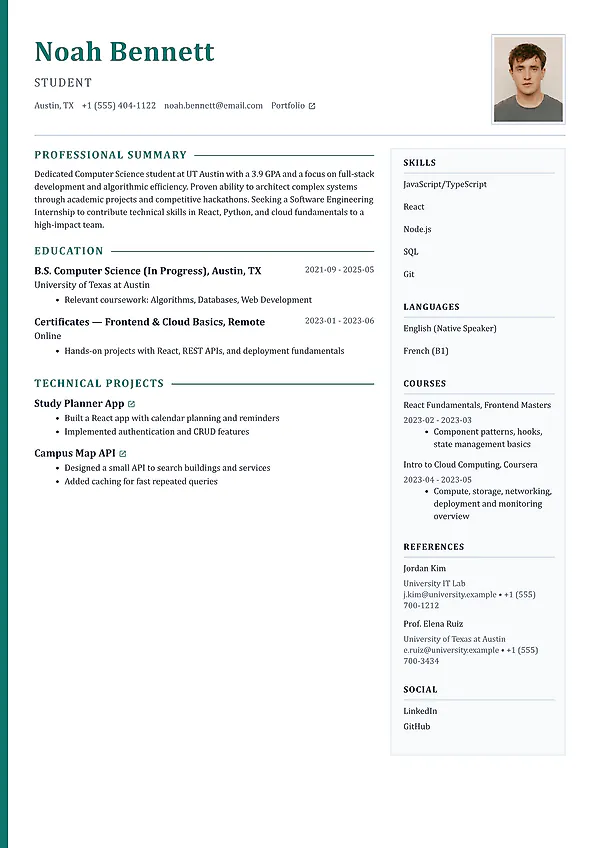
Create or upload a resume. Start with an ATS-friendly template or edit your existing resume online.
Write and check the content. Use the AI resume writer and ATS resume checker before you apply.
Tailor and download. Match the resume to a job description and export a PDF without a watermark.
ATS-friendly resume format
Add contact details, a professional summary, work experience, education, skills, projects, and certifications. The online resume builder handles the page layout, spacing, and section order.
Use standard resume section titles that applicant tracking systems and recruiters can identify.
Write experience bullet points that describe the action, responsibility, scale, and result.
Choose a readable resume template with clear headings, consistent spacing, and text-based content.
Save a complete resume, then create a tailored version for each important job application.
Online resume builder features
Use the resume builder to create a new document or upload an existing resume, edit the content, change templates, check ATS issues, and export a PDF.
Upload your existing resume or CV and edit the imported contact details, summary, experience, education, and skills.
Choose modern, classic, technical, executive, and creative resume templates with readable text and clear sections.
Build contact details, summary, experience, education, skills, projects, certifications, and more in a sensible order.
Generate or rewrite a professional summary and experience bullet points from the job information you enter.
Adjust the visual tone and switch templates without copying content into a brand-new document.
Check the resume for ATS readability, missing sections, weak bullet points, and structural problems before downloading it.
Invite a trusted reviewer to help find unclear claims, missing context, or details you may have overlooked.
How it works
Start with the information you already have, then improve the content and layout before you download the final PDF.
Choose a professional template for a new resume, or upload the resume or CV you already have and continue editing.
Enter your roles, dates, responsibilities, achievements, skills, education, projects, and certifications.
Write each section yourself or use the AI resume builder to generate editable content from your information.
Compare the resume with a job description, update relevant sections, and download the finished PDF.
More resume and career tools
Compare your resume with a job description, create an editable cover letter, and generate interview questions for the target role.
Frequently asked questions
Learn what the tool creates, what information it checks, how to use it, and which results require your review.
Yes. You can start a resume for free, use professional layouts, and export a PDF without adding a MySuperResume watermark.
Yes. Upload your current resume or CV, review the imported sections, edit the content, change the template, and download an updated PDF.
For most candidates, reverse chronological is the most familiar format: recent experience first, followed by earlier roles. A combination format can help career changers, while a skills-only format should be used carefully because recruiters still want to see where and when you applied those skills.
One page is useful for students and many early-career candidates. Two pages are reasonable when the second page contains relevant work experience, achievements, projects, or qualifications.
Yes. Your content is separate from the layout, so you can compare visual directions without rewriting the resume from scratch.
Free to start
Choose a template or upload your current resume. Edit every section online, tailor it to the role, and export a professional document when it is ready.